

Welcome to the HitHub Android App Beta!
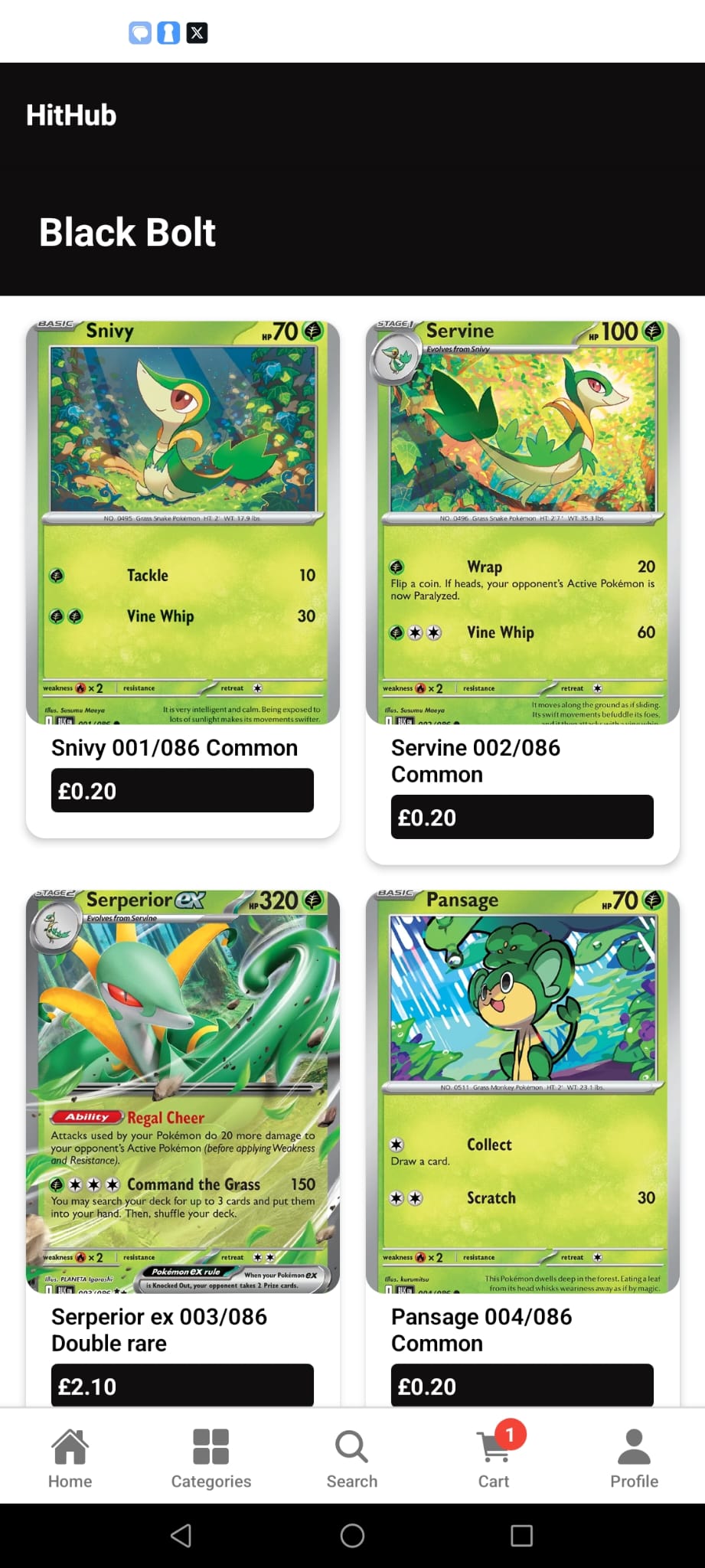
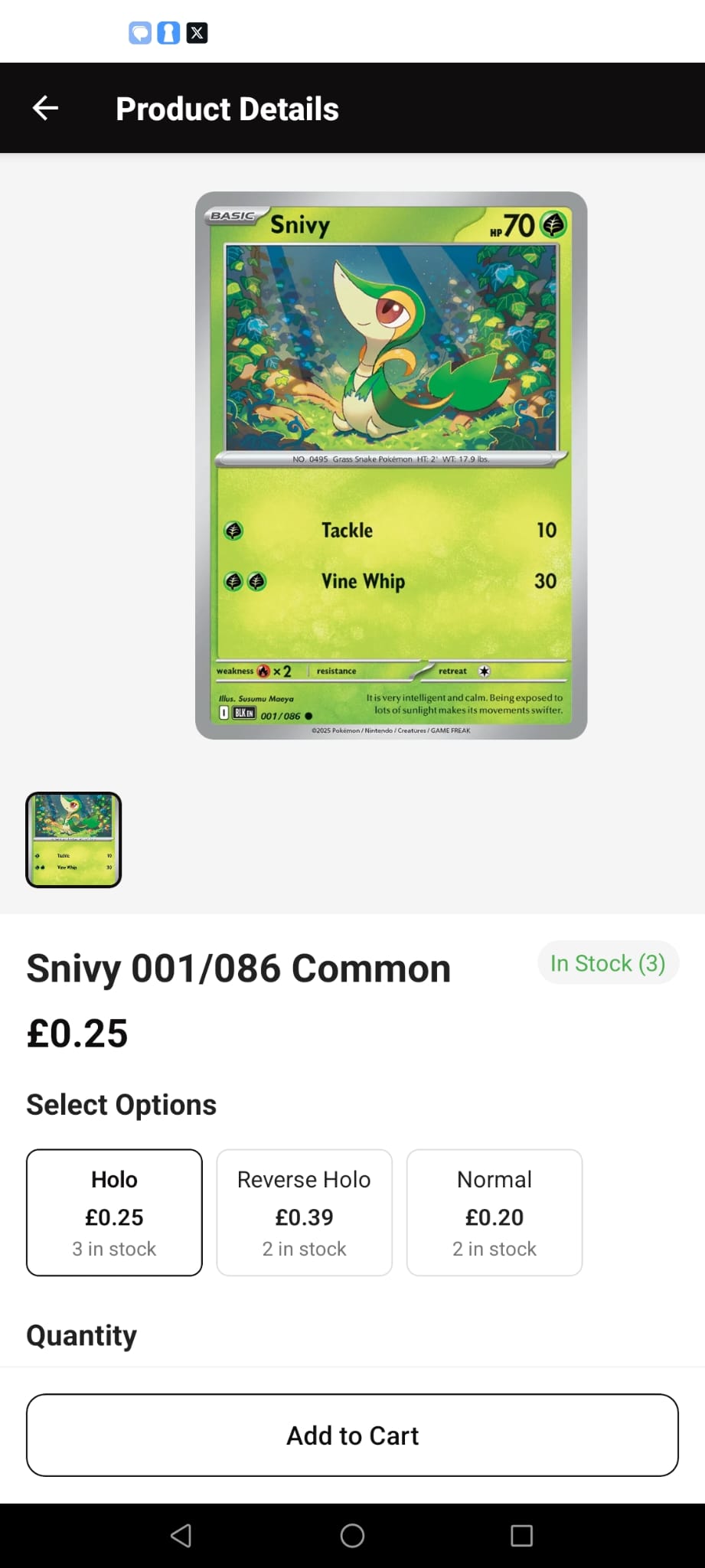
This early version of our app gives you a faster, easier way to browse Pokémon cards and shop directly from HitHub.
Since the app isn’t on the Google Play Store yet, you’ll need to install it manually (APK install). Don’t worry — it only takes a couple of minutes.
Open Settings on your phone
Go to Security & Privacy (this may vary by device)
Enable Install apps from unknown sources (for your browser or file manager)
Find the downloaded APK file (usually in your Downloads folder)
Tap the file and choose Install
Once installed, you’ll see the HitHub app icon on your home screen
Log in with your existing HitHub account or browse as a guest
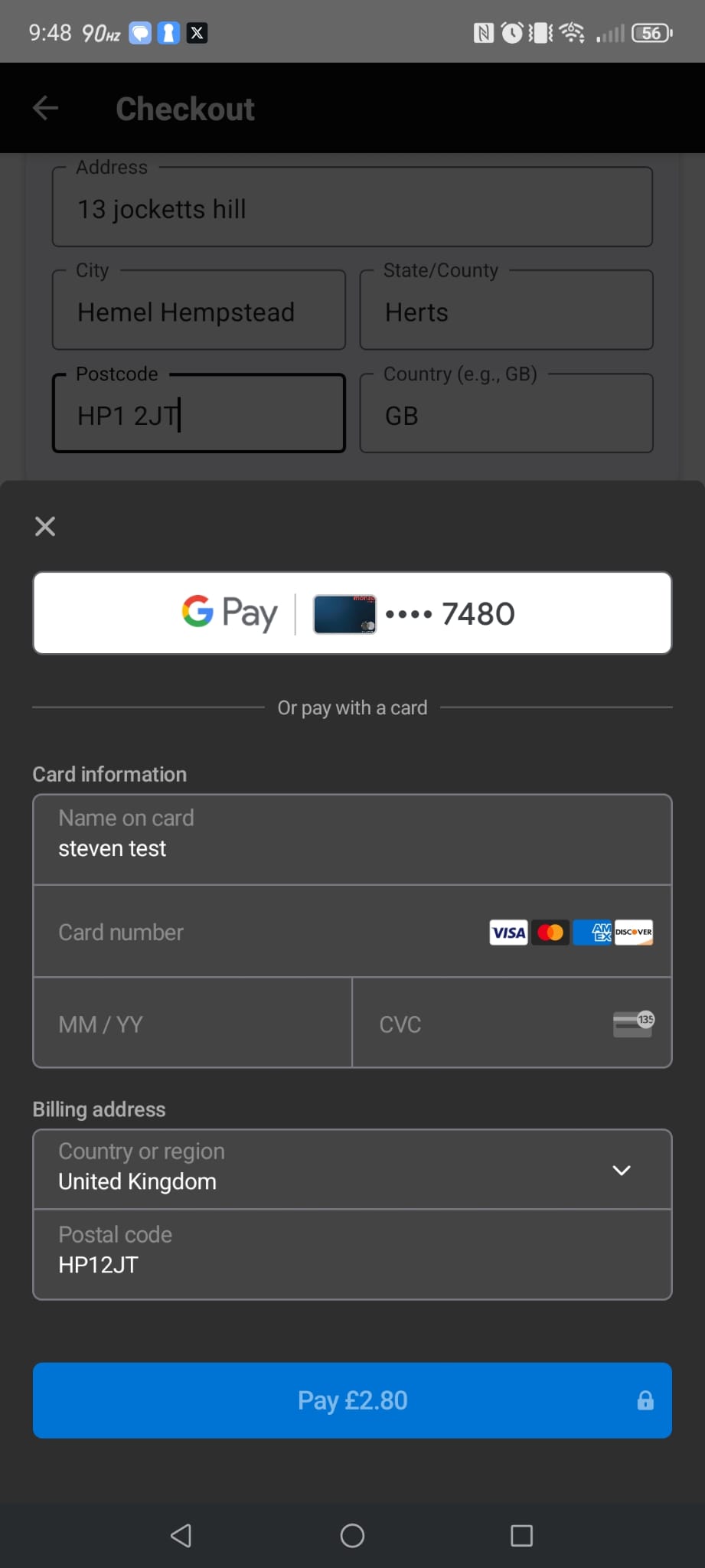
Start exploring cards, managing your cart, and checking out directly in the app
This is a beta version, so you may see small bugs or missing features
Please report issues or suggestions to sales@hithub.co.uk or WhatsApp 07934 267627
We’ll be releasing updates regularly
Your feedback helps us improve the HitHub app before launch. Together, we’ll make the best Pokémon card shopping experience right on your phone.
Don't have an account yet? Sign up
No items in your cart. Go on, fill it up with something you love!
Start Shopping Now